
Build the right brief
Use it when you need a focused workspace for turning a concept into a short, shareable video.
Video Wan 2.7 con flussi testo, immagine, media in video e modifica video
Genera più video contemporaneamente; i crediti si adattano al numero
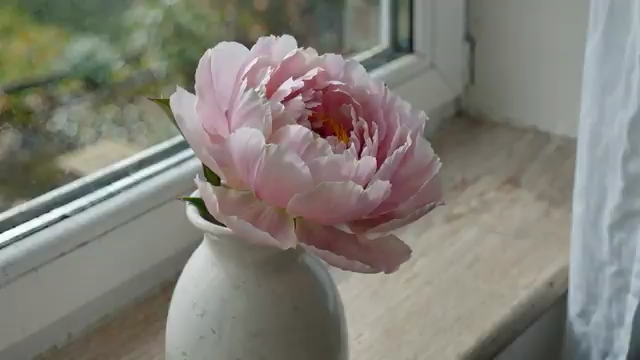
Un fiore sboccia e appassisce nell’arco di due settimane, una foto al giorno. Stesso vaso, stessa finestra, stessa angolazione. La luce cambia con il tempo. Audio: atmosfera domestica tranquilla.
Ancora nessun video. Prova a inserire un prompt per creare il tuo primo video.
Seedance 3.0 model workspace
Wan 2.7 is available in the Seedance 3.0 video workspace for creators who want a clear path from a written brief to a generated video.
Use it when you need a focused workspace for turning a concept into a short, shareable video.
This workspace supports text-to-video, image-to-video, and reference-based video creation. Start with the input that best communicates the scene, then refine the direction in your prompt.
Available settings include 0, 2, 3, 4, 5, 6, 7, 8, 9, 10, 11, 12, 13, 14, and 15-second durations, 720p and 1080poutput, and 16:9, 9:16, 1:1, 4:3, and 3:4 framing.
Key differences between Wan 2.7 modes, media inputs, duration, seed, audio, and prompt expansion.