
Build the right brief
Use it when you need a focused workspace for turning a concept into a short, shareable video.
Відео Wan 2.7 з текстовими, графічними, медіа-у-відео та відеоредагувальними сценаріями
Генеруйте кілька відео одночасно; кредити масштабуються відповідно до кількості.
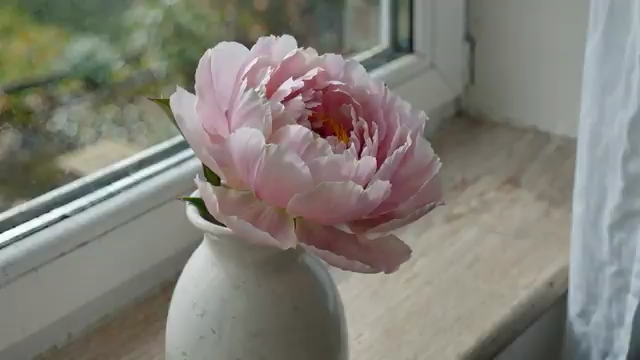
Квітка розквітає і в’яне протягом двох тижнів, одне фото на день. Та сама ваза, те саме вікно, той самий ракурс. Світло змінюється разом із погодою. Аудіо: тиха домашня атмосфера.
Ще немає відео. Спробуйте ввести запит, щоб створити своє перше відео.
Seedance 3.0 model workspace
Wan 2.7 is available in the Seedance 3.0 video workspace for creators who want a clear path from a written brief to a generated video.
Use it when you need a focused workspace for turning a concept into a short, shareable video.
This workspace supports text-to-video, image-to-video, and reference-based video creation. Start with the input that best communicates the scene, then refine the direction in your prompt.
Available settings include 0, 2, 3, 4, 5, 6, 7, 8, 9, 10, 11, 12, 13, 14, and 15-second durations, 720p and 1080poutput, and 16:9, 9:16, 1:1, 4:3, and 3:4 framing.
Key differences between Wan 2.7 modes, media inputs, duration, seed, audio, and prompt expansion.