A next-generation video model
Seedance 3.0 is the next release in the Seedance line. Capability details will be published as launch approaches.
Seedance 3.0 is the next model in the line: a 30-second single generation, native 4K, and a reference stack of up to 50 materials. Track what is confirmed here, and start building multimodal scenes today in the workspace that is already open.
Release Tracking · 30-Second Canvas · Native 4K · Open Workspace Today
Core model
Seedance 3.0
Input types
Text · Image · Video · Audio
Best for
Marketing · Education · Storytelling
Seedance 3.0
What it is, when it opens, and what you can create in the meantime.
Seedance 3.0 is the next release in the Seedance line. Capability details will be published as launch approaches.
No public date yet. Join the update list on the Seedance 3.0 page and we'll share timing as it firms up.
Seedance 2.5 is open right now, with text plus image, video and audio references in one workspace.
Seedance 3.0 has not opened yet. This workspace runs on the models available now, so you can build multimodal scenes today and carry the same references straight into 3.0 when it lands.
Image 1
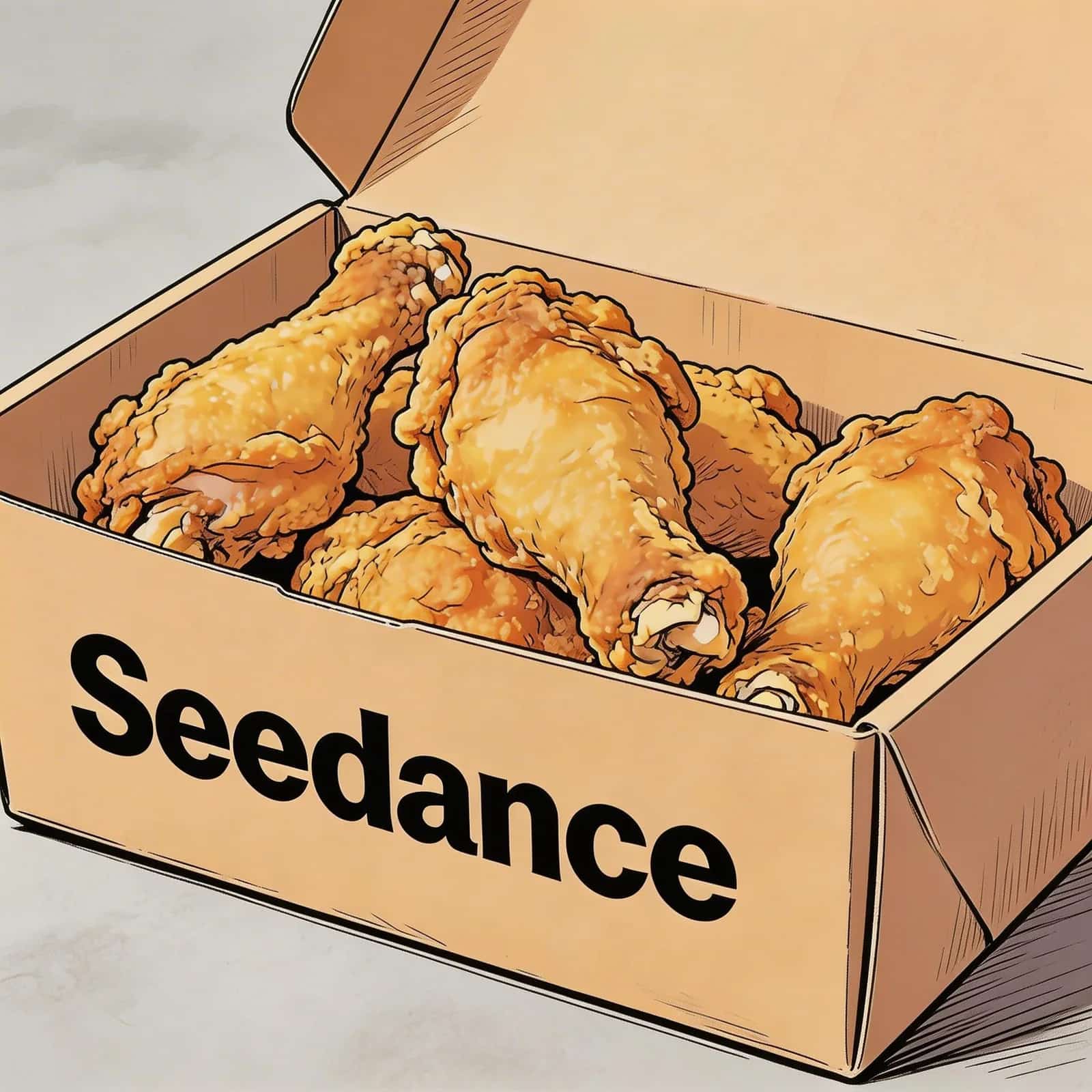
@Image 1, friendly and joyful atmosphere, then the screen gradually blurs, displaying the text "Joy is in Seedance" in the center.Image 1
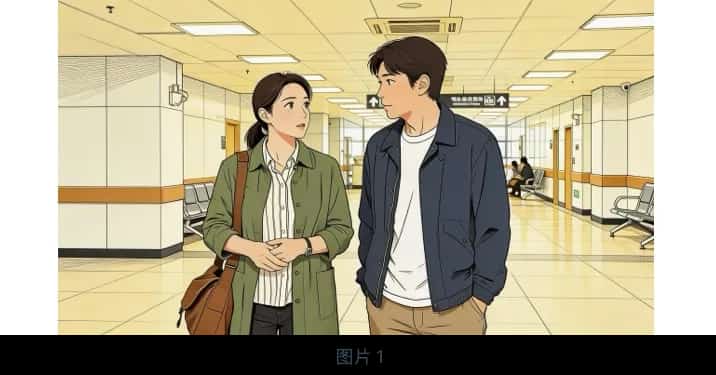
@Image 1 are jogging on a school track in sportswear. The girl looks at the boy and says confidently: "We can definitely do it!" Cut to a close-up of the boy, who hesitantly replies: "Are you sure?" Cut back to a medium close-up of the girl, who says cheerfully: "Yes!" The mood is bright and determined. Speech bubbles appear around the speaking character with the dialogue.Image 1,2,3
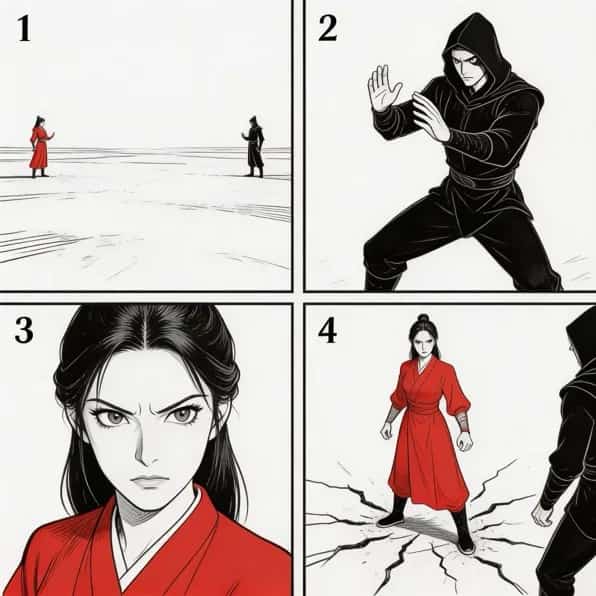
Storyboard
Seedance 3.0 is the next model in the Seedance line, and it has not opened yet. The idea it is built around is the one you can already practise today: give the model the images, video, and audio you want it to learn from, then use a text prompt for the subject, action, camera, mood, and sound — instead of forcing one long prompt to describe every visual detail.
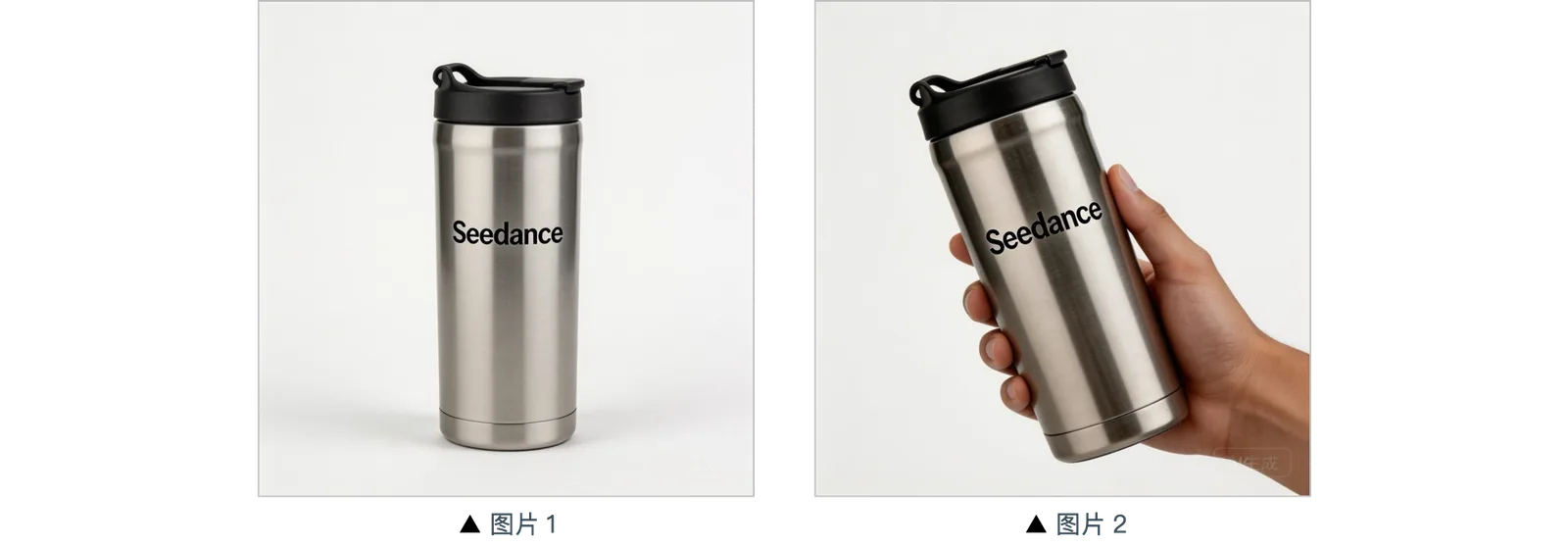
Use text to describe the result, images to define a person, product, or visual style, video to demonstrate movement and camera rhythm, and audio to guide speech, music, or atmosphere. Giving each input a clear role reduces guesswork and makes the first generation easier to direct.
Separate references can establish a character’s appearance, a product’s physical details, the environment, lighting, movement, and sound. This gives the model clearer visual boundaries and helps related shots feel like parts of the same project instead of unrelated clips.
When an idea needs more room, a single Seedance 3.0 generation is set to carry an opening, development, and ending across 30 seconds. Native 4K is set to arrive with it, intended to hold detail in products, lighting, typography, and close-ups — a fuller video to keep editing rather than a clip to rebuild.
Seedance 2.0 already supports multimodal creation. Seedance 3.0 is set to expand that foundation on four fronts: longer scenes, a much larger reference stack, stronger visual detail, and scene planning that no longer has to fit inside a short test clip.
| Longer Single Generations: Up to 30 Seconds | Seedance 2.0 is configured for 4–15-second generation. Seedance 3.0 is set to extend a single generation to 30 seconds, leaving room for a setup, camera movement, primary action, transition, and ending beat. A longer canvas makes it possible to plan one coherent sequence instead of splitting the same idea across several short tests. |
|---|---|
| A Larger Multimodal Reference Stack | Seedance 2.0 supports up to 9 images, 3 videos, and 3 audio files. Seedance 3.0 is set to raise this to 50 materials: up to 44 images, 3 videos, and 3 audio files. A stack that size lets character, product, environment, movement, and sound direction each occupy their own clearly defined source group. |
| Native 4K with Stronger Visual Detail | Seedance 3.0 is set to pair the longer generation and richer reference input with native 4K output. The point is review: product texture, close-ups, launch media, lighting, and cinematic framing all hold up to inspection at a resolution where detail does not quietly disappear. |
| More Complete Scene Planning | The longer duration and larger reference stack make it easier to plan a complete scene instead of a short test clip. Seedance 3.0 is also positioned for 3D spatial pre-visualization and camera blocking when subject placement, camera paths, and movement direction matter to the concept. |
Browse scenes built in the workspace that is open today, each shown with the prompt and reference material behind it.
What the next model is set to change, and which of these you can already put to work before it opens.
Seedance 3.0 is set to extend one generation to 30 seconds, leaving room for a setup, a main action, a transition, and a closing beat without stitching separate clips together.
Where the current line takes 9 images, 3 videos, and 3 audio files, Seedance 3.0 is set to accept 50 materials — enough to give character, product, environment, motion, and sound each their own source group.
Native 4K is on the Seedance 3.0 sheet, aimed at the work where detail has to survive review: product texture, the printed text on packaging, fabric weave, and close-ups that dissolve at lower resolution.
Point at what you want carried over — a camera path, a performance, a lighting mood — instead of packing every visual detail into one long prompt. This already works in the open workspace.
Give a character or product its own reference group and repeat its defining details in the prompt, so related shots read as one project rather than a set of unrelated clips.
Seedance 3.0 is positioned for camera blocking and spatial previs, where subject placement and camera paths need to be argued out before anyone books a shoot day.
Labels like "social media" or "e-commerce" hide the differences that matter in production. These are the specific jobs a 30-second canvas and a deeper reference stack are built to serve.
Earn the first two seconds: a transformation, a surreal effect, a music-led cut. Images fix the subject, a motion reference carries the effect, audio sets the rhythm.
Build a product-led video from authorized packshots and material details. Show what the item is and how it is used, without effects that outshine the product.
Hold one character across scenes by giving appearance, wardrobe, and movement their own references, then explore styles without redrawing the character each time.
Test composition, camera paths, transitions, and the closing frame before a shoot is booked, so the discussion happens over footage rather than a deck.
Let an audio reference set the timing while image and video sources establish the performer, the location, and the camera language around them.
Turn a procedure into a watchable sequence where the steps stay in order and the subject stays recognizable from the first frame to the last.
Move stills into motion so a room reads as a space: where the light falls, how the layout connects, what the finish actually looks like.
Take panels that already exist and put them in sequence and in motion, to find out which beats hold and which need reworking before production.
Keep wardrobe, product, environment, and lighting direction in separate reference groups so a brand's visual rules survive from one film to the next.
A marketplace product demo, a vertical hook, and a campaign previs need different aspect ratios, pacing, and detail levels. Settle this before writing a word of prompt.
Let one source define the character, another the product, another the camera rhythm. Separated sources leave far less to guesswork than a single crowded image.
Subject, setting, action, camera, light. State when the camera moves and what the last frame should say, then change one variable at a time as you refine.
Six working creators on what they get out of the open workspace now, and what the 30-second canvas changes for them.
“Thirty seconds in one pass is the number that matters to me. At fifteen I am always cutting the ending off; at thirty the reveal and the closing frame finally fit in the same take.”
Marcus Rodriguez
Filmmaker
“Right now I burn most of a reference slot just describing the character. Splitting appearance, wardrobe and motion into separate sources is what I actually want from a deeper stack.”
Jessica Liu
Animation Director
“We stopped writing one enormous prompt and started pointing at things instead — this shot's lighting, that clip's camera move. The team argues less and ships more.”
Emily Watson
Creative Director
“Thirty seconds in one pass is the number that matters to me. At fifteen I am always cutting the ending off; at thirty the reveal and the closing frame finally fit in the same take.”
Marcus Rodriguez
Filmmaker
“Right now I burn most of a reference slot just describing the character. Splitting appearance, wardrobe and motion into separate sources is what I actually want from a deeper stack.”
Jessica Liu
Animation Director
“We stopped writing one enormous prompt and started pointing at things instead — this shot's lighting, that clip's camera move. The team argues less and ships more.”
Emily Watson
Creative Director
“Thirty seconds in one pass is the number that matters to me. At fifteen I am always cutting the ending off; at thirty the reveal and the closing frame finally fit in the same take.”
Marcus Rodriguez
Filmmaker
“Right now I burn most of a reference slot just describing the character. Splitting appearance, wardrobe and motion into separate sources is what I actually want from a deeper stack.”
Jessica Liu
Animation Director
“We stopped writing one enormous prompt and started pointing at things instead — this shot's lighting, that clip's camera move. The team argues less and ships more.”
Emily Watson
Creative Director
“Thirty seconds in one pass is the number that matters to me. At fifteen I am always cutting the ending off; at thirty the reveal and the closing frame finally fit in the same take.”
Marcus Rodriguez
Filmmaker
“Right now I burn most of a reference slot just describing the character. Splitting appearance, wardrobe and motion into separate sources is what I actually want from a deeper stack.”
Jessica Liu
Animation Director
“We stopped writing one enormous prompt and started pointing at things instead — this shot's lighting, that clip's camera move. The team argues less and ships more.”
Emily Watson
Creative Director
“Changing one variable at a time is the whole discipline. Once I stopped rewriting the entire prompt between attempts I could actually tell what was improving.”
Mohammed Hassan
Digital Artist
“Letting the audio set the timing while images handle the performer and the location is the closest thing to how I plan a real shoot.”
Alex Turner
Music Video Director
“More usable seconds per generation means more material to judge pacing against. Native 4K matters for the same reason — I need detail that survives the review, not just the preview.”
Olivia Martinez
Video Editor
“Changing one variable at a time is the whole discipline. Once I stopped rewriting the entire prompt between attempts I could actually tell what was improving.”
Mohammed Hassan
Digital Artist
“Letting the audio set the timing while images handle the performer and the location is the closest thing to how I plan a real shoot.”
Alex Turner
Music Video Director
“More usable seconds per generation means more material to judge pacing against. Native 4K matters for the same reason — I need detail that survives the review, not just the preview.”
Olivia Martinez
Video Editor
“Changing one variable at a time is the whole discipline. Once I stopped rewriting the entire prompt between attempts I could actually tell what was improving.”
Mohammed Hassan
Digital Artist
“Letting the audio set the timing while images handle the performer and the location is the closest thing to how I plan a real shoot.”
Alex Turner
Music Video Director
“More usable seconds per generation means more material to judge pacing against. Native 4K matters for the same reason — I need detail that survives the review, not just the preview.”
Olivia Martinez
Video Editor
“Changing one variable at a time is the whole discipline. Once I stopped rewriting the entire prompt between attempts I could actually tell what was improving.”
Mohammed Hassan
Digital Artist
“Letting the audio set the timing while images handle the performer and the location is the closest thing to how I plan a real shoot.”
Alex Turner
Music Video Director
“More usable seconds per generation means more material to judge pacing against. Native 4K matters for the same reason — I need detail that survives the review, not just the preview.”
Olivia Martinez
Video Editor
50% off your first annual plan — applied automatically, no codes.
BASIC
Perfect for quick tests and first projects when you are just getting started
1,200 credits/month
Up to 60 videos/month
Up to 240 images/month
Seedance 2.01x Credits
Nano Banana Pro
All AI Video Models
AI Music
Private Generation
Ad-Free
Commercial License
Priority Queue
Priority Support
Unlimited Storage
API access (credits shared with web)
STANDARD
Best for professionals and frequent creators
2,500 credits/month
Up to 125 videos/month
Up to 500 images/month
Seedance 2.01x Credits
Nano Banana Pro
All AI Video Models
AI Music
Private Generation
Ad-Free
Priority Queue
Commercial License
Priority Support
Unlimited Storage
API access (credits shared with web)
PRO
The next step up for serious creators
6,000 credits/month
Up to 300 videos/month
Up to 1,200 images/month
Seedance 2.01x Credits
Seedance 2.5Annual Pro / Max
Nano Banana Pro
All AI Video Models
AI Music
Private Generation
Ad-Free
Priority Queue
Priority Support
Commercial License
Unlimited Storage
API access (credits shared with web)
MAX
For high-volume creators who need maximum credits
13,000 credits/month
Up to 650 videos/month
Up to 2,600 images/month
Seedance 2.01x Credits
Seedance 2.5Annual Pro / Max
Nano Banana Pro
All AI Video Models
AI Music
Private Generation
Ad-Free
Priority Queue
Priority Support
Commercial License
Unlimited Storage
API access (credits shared with web)
Credits are valid for 1 year from purchase. Buy anytime, use anytime.
Starter Pack
Quick top-up for small runs
Up to 70 videos
Includes all features
One-time purchase
No subscription required
Credits valid for 1 year
Creator Pack
Popular for regular usage
Up to 160 videos
Includes all features
One-time purchase
No subscription required
Credits valid for 1 year
Professional Pack
Best for larger batches
Up to 500 videos
Includes all features
One-time purchase
No subscription required
Credits valid for 1 year
Advanced Pack
Best for high-volume usage
Up to 1,650 videos
Includes all features
One-time purchase
No subscription required
Credits valid for 1 year
Power Pack
Best for regular high-volume usage
Up to 3,500 videos
Includes all features
One-time purchase
No subscription required
Credits valid for 1 year
Max Pack
Best for high-volume usage
Up to 9,000 videos
Includes all features
One-time purchase
No subscription required
Credits valid for 1 year
💳 Payment Tip: If you encounter any issues during the payment process, feel free to reach out to us! support@seedances3.com
How Seedance 3.0 compares to the current line, what is open today, and what carries over when it launches.
Four things are on the sheet. A single generation goes from 4–15 seconds to 30. The reference stack goes from 9 images, 3 videos, and 3 audio files to 50 materials. Output adds native 4K. And the longer canvas makes full scene planning practical instead of forcing an idea into a short test clip.
Have more questions? support@seedances3.com →
Stripe payments
DMCA/CCPA friendly
0+
Used by creators & shops
0+
Videos Generated
Build your reference set and settle your prompts in the workspace that is open today. When Seedance 3.0 lands, you bring finished material to it instead of starting over.